
Scanner & OCR
Paper still happens. Snap or upload documents and let OCR pull supplier names, amounts, and dates. Review, correct once, and post — dramatically faster than manual typing. Perfect for high-volume expense inboxes and practices that receive PDFs from every direction.
Why this module makes the difference
Automatic extraction
Amount, date, tax ID, VAT, and line items suggested automatically — ready for review.
Instant linking
Match to an existing supplier or draft an expense in one click after validation.
Fewer manual errors
Less typing, fewer transcription mistakes. OCR learns from corrections to improve future reads.
Multi-page & multi-format
Supports multi-page PDFs, images, and various invoice layouts with structured extraction.
Invoice scanning
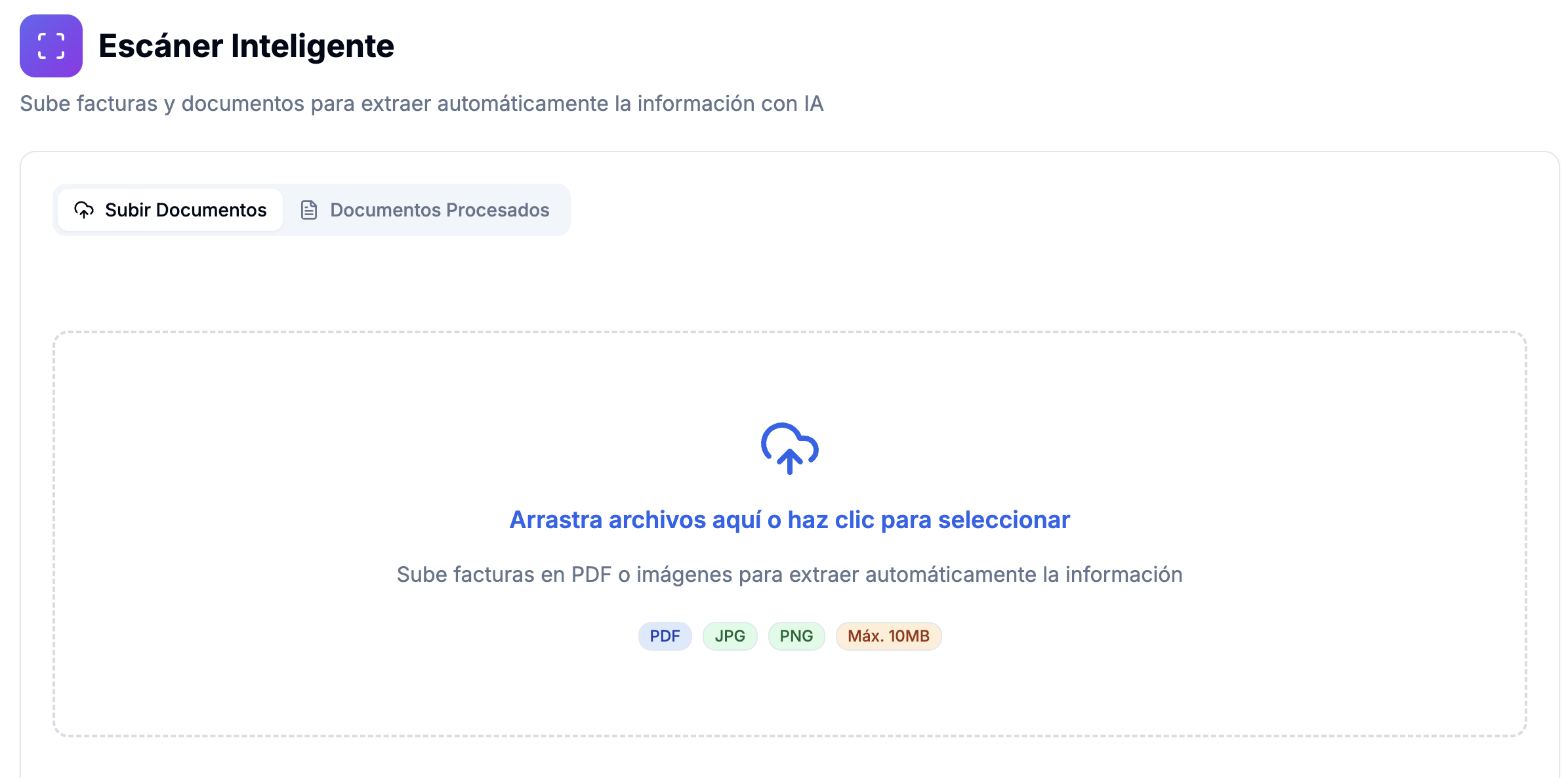
Upload multipage PDFs or images; preview and crop regions before processing.
AWS Textract
Cloud OCR with structured extraction of tables and key invoice fields.
Automatic extraction
Amounts, dates, VAT IDs, and line items suggested for quick human review.
Supplier & expense link
Match to an existing vendor or draft an expense in one click after validation.
Smart OCR
Learn from corrections to improve future reads from recurring suppliers.
Module views
How it works
Upload the document
Drag a PDF or receipt photo. The system previews and prepares extraction.
Review the proposal
OCR shows suggested amount, supplier, date, and VAT. Correct only what’s needed.
Convert to expense
One click turns the scan into a registered expense with category and supplier assigned.
Who benefits
See how this module adapts to different sectors.
Frequently asked questions
Modules that complement it
Ready to simplify billing and back office?
Join professionals who chose one platform instead of ten tabs. Start your trial — see value in days, not months.